Re: Floating preview pdf and previews thumbs
Posted: 02 May 2014 13:32
Aaahh at least this is sorted:
Forum for XYplorer Users and Developers
https://www.xyplorer.com/xyfc/
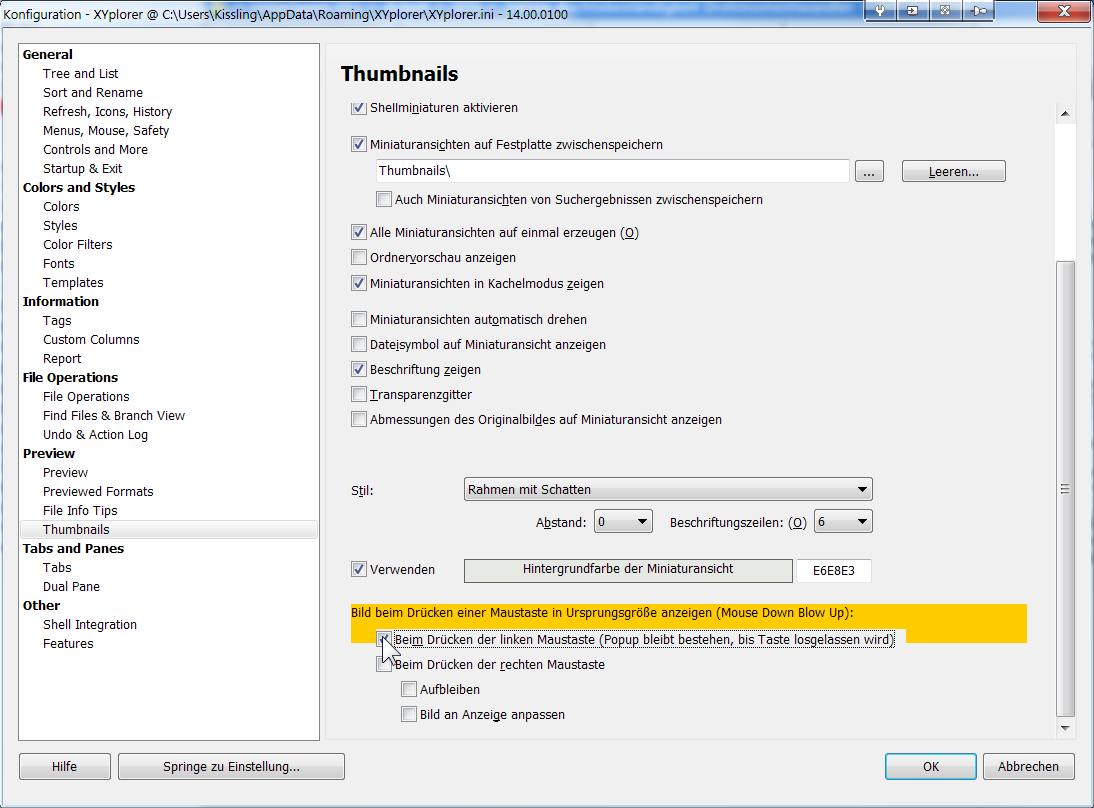
You can't drag a file on the thumbnail itself, you have to drag the file from the filename.David.P wrote:And I can't manually sort because when thumbs are shown (in thumbnails mode or in details & thumbnails mode), as soon as I try to start to drag an item, XY starts to to the Mouse Down Blow Up and won't let me drag.
Coud you send me that particular PDF file for testing?David.P wrote:Well some people seem to have had success with PDF-XChange Viewer (or -Editor).
However, I only could manage to get PDF Thumbnails in XYPlorer by installing Adobe Reader XI, AND making it standard PDF file open handler.
Still, PDF Thumbnail generation in Windows Explorer (and other file managers) is about 10 times as fast as in XYP. Which is something I can live with at the moment since the thumbs, once generated, are cached.
The thumbs by XYP are not only much slower, but also somewhat sharper, thus there must be some difference in the way of thumbnails creation between XY and Explorer.
Left: Windows Explorer ------------------ Right: XYplorer
Regards David.P
Yes, I've tried both of those options with no noticeable difference.klownboy wrote:I'm not sure if it's been mentioned in this thread, but have you tried to see what the difference in speed may be if you enable "Super-fast Thumbnails" in Configuration | Thumbnails? I personally don't have it checked because I like the highest quality thumbs, but you may want to give it a go.
Ken
Yes Don, I'll send you the file.admin wrote: Coud you send me that particular PDF file for testing?
Pls. note that with one file, it may feel fast, but with like 40 files in a folder, thumbnail generation takes like 15 seconds here with XY, while it takes like 1.5 seconds in Windows Explorer.admin wrote:Fast and high quality
After getting a new user-account (at my place of work, and partly transferring the settings of the old one), PDF thumbs preview did not work anymore:Filehero wrote:- check wether the reg entry described in the FAQ is set
-- if no, set it & reboot
-- then reinstall PDF-XChange Viewer again (which could be done anyway)
 ) I updated/reinstalled BOTH Adobe Reader AND X-ChangePDF Viewer AND made one of them the system default AND did the registry tweak (including multiple restarts). Since I want all pdf files to open with Sumatra PDF, though, i ran into problems because as soon as I changed the system default to Sumatra, the PDF thumbnails in XY would not work anymore.