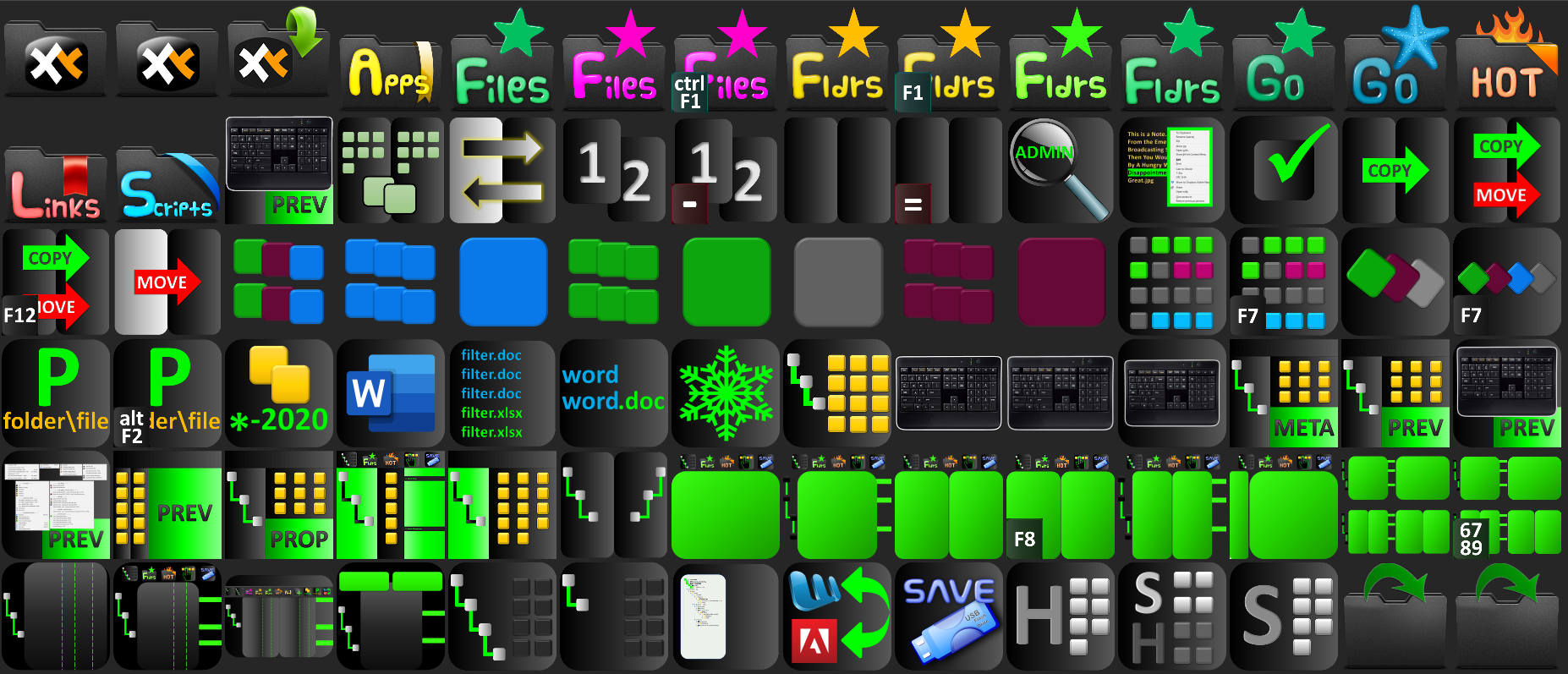
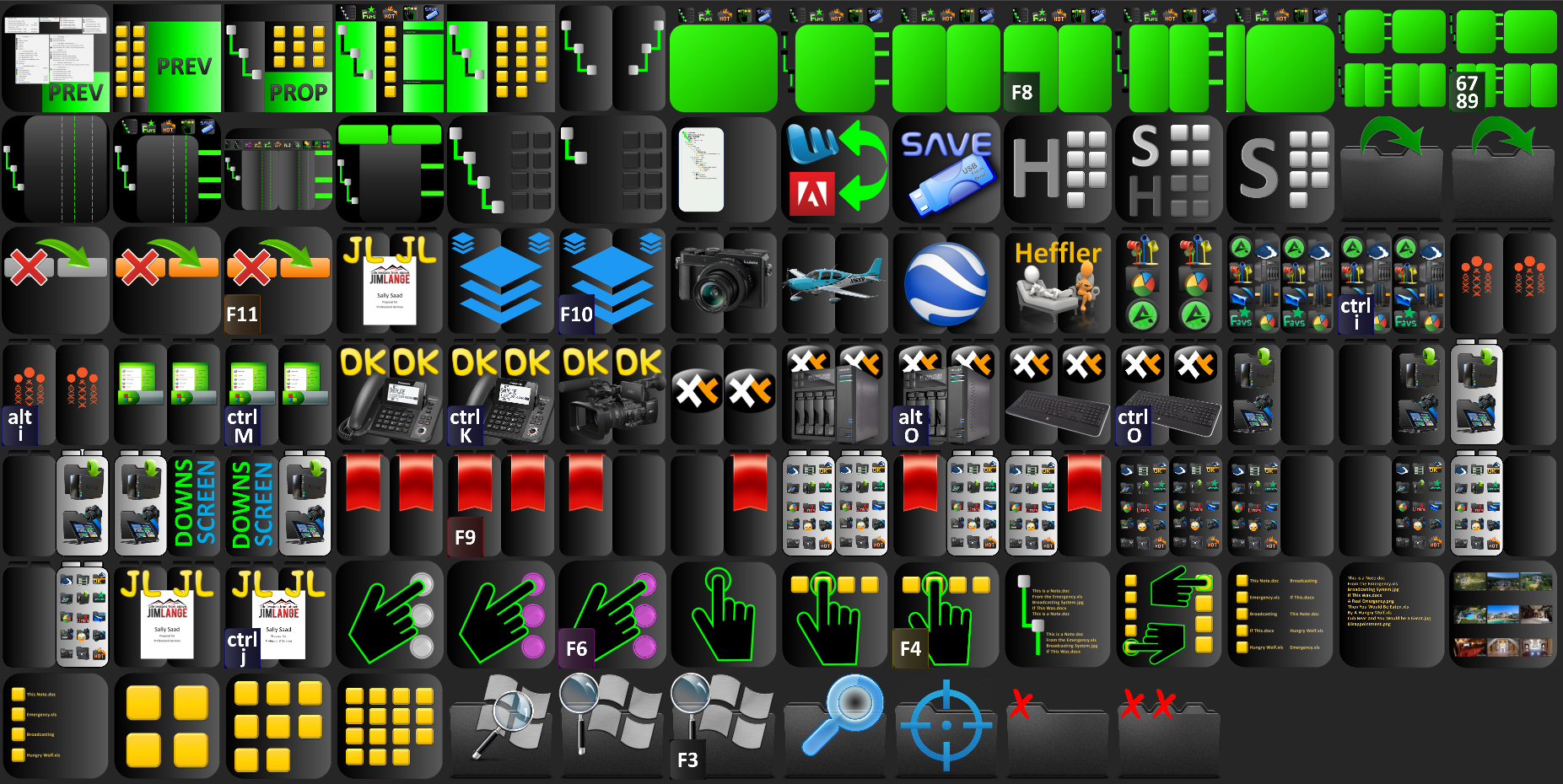
Black Icon Sets for Toolbar and Folders
-
Lusayalumino
- Posts: 115
- Joined: 13 Aug 2018 07:16
- Location: USA
Re: Black Icon Sets for Toolbar and Folders
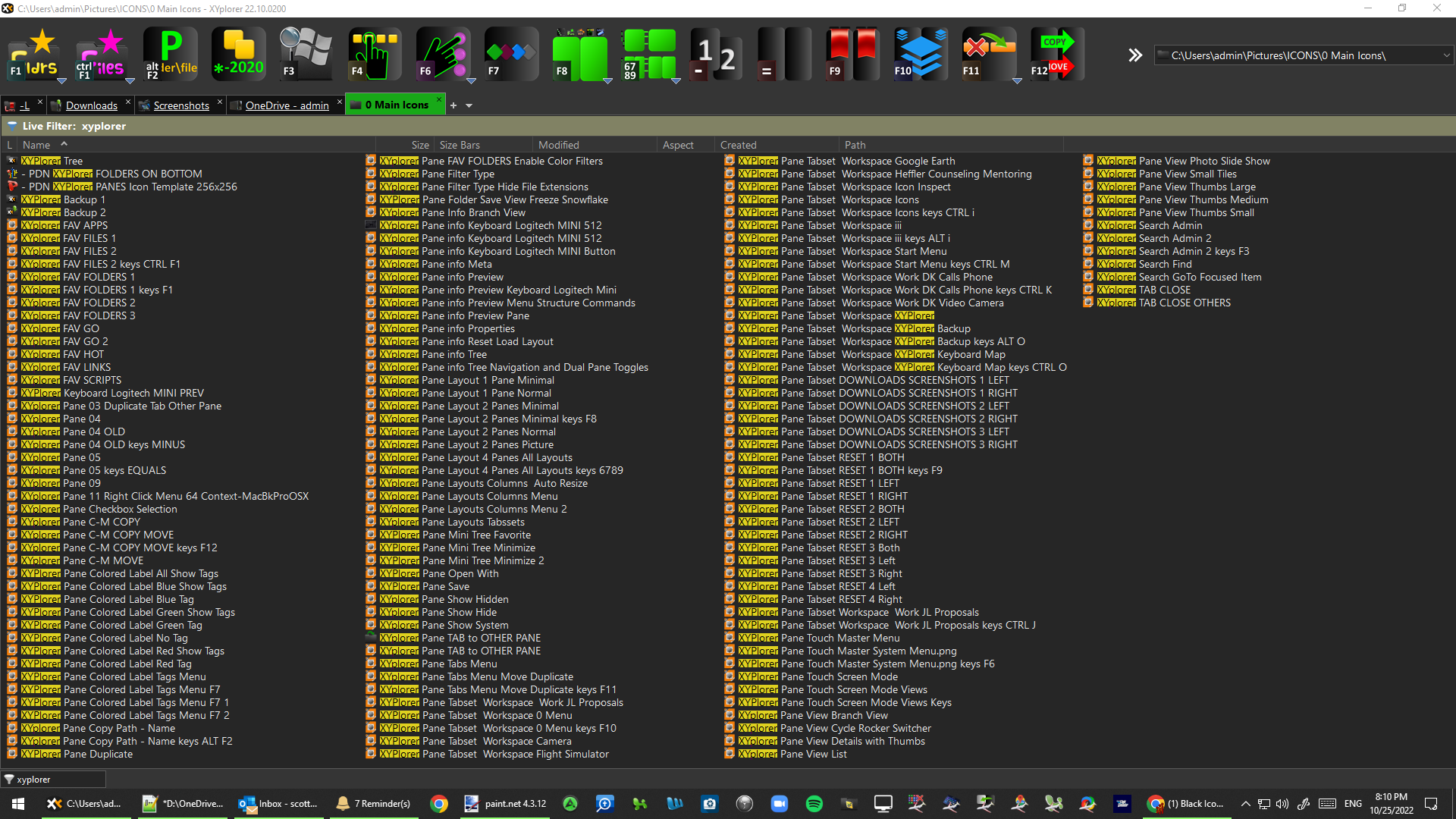
Here are some screenshots...


XYPlorer, Great Form -- Awesome Function
-
Lusayalumino
- Posts: 115
- Joined: 13 Aug 2018 07:16
- Location: USA
Re: Black Icon Sets for Toolbar and Folders
Here's a screenshot of the filenames for the Toolbar Buttons to get an idea of how I use them:

XYPlorer, Great Form -- Awesome Function
Re: Black Icon Sets for Toolbar and Folders
Great Work! Awesome icons!!
-
Lusayalumino
- Posts: 115
- Joined: 13 Aug 2018 07:16
- Location: USA
Re: Black Icon Sets for Toolbar and Folders
Thanks for the gracious words... ENJOY!
XYPlorer, Great Form -- Awesome Function
-
Lusayalumino
- Posts: 115
- Joined: 13 Aug 2018 07:16
- Location: USA
Re: Black Icon Sets for Toolbar and Folders
I just added the 3 source files for all the icons and toolbar buttons (you'll find them right in the root directory after unzipping). For the XYPlorer Toolbar Buttons, it's a PowerPoint file. For the file and folder icons, there are 2 Paint.net files.
https://www.getpaint.net/download.html
XYPlorer, Great Form -- Awesome Function
Re: Black Icon Sets for Toolbar and Folders
Uaw! Thanks for sharing.
Liked that overlap of shortcuts on the Icon. Such visual hint otimizes the use o them (the keyboard shortcuts).
As I use different KSC , resources will help my new stylization process.
Already placing the arts in the <xydata>/icons , directing patchimagepath to it, and renaming accordingly, using same folder to the patchimage function and for the PFI references (for portability purposes)..
updating it still....
oneproblem i'm facing is distributing original embedded toolbar icons, for the customization of the CTB buttons by aproximation of the idea (using patched icons i get high resolution, but specfying the icon on the button dialog gives me cropped icons on the toolbar on my display with the configuration of DPI compatibility "SYSTEM ADVANCED".) .... and patchimage only works for the ctb1...
Liked that overlap of shortcuts on the Icon. Such visual hint otimizes the use o them (the keyboard shortcuts).
As I use different KSC , resources will help my new stylization process.
Already placing the arts in the <xydata>/icons , directing patchimagepath to it, and renaming accordingly, using same folder to the patchimage function and for the PFI references (for portability purposes)..
updating it still....
oneproblem i'm facing is distributing original embedded toolbar icons, for the customization of the CTB buttons by aproximation of the idea (using patched icons i get high resolution, but specfying the icon on the button dialog gives me cropped icons on the toolbar on my display with the configuration of DPI compatibility "SYSTEM ADVANCED".) .... and patchimage only works for the ctb1...
-
Lusayalumino
- Posts: 115
- Joined: 13 Aug 2018 07:16
- Location: USA
Re: Black Icon Sets for Toolbar and Folders
Thanks for posting the awesome screenshots Ampere!
Regarding your problem with distributing original embedded toolbar icons, I'm having a difficult time understanding what you mean.
In your screenshot, I see the fire icon (11th icon) does seem be be cropped? Not sure exactly why that's happening though.
Regarding your problem with distributing original embedded toolbar icons, I'm having a difficult time understanding what you mean.
In your screenshot, I see the fire icon (11th icon) does seem be be cropped? Not sure exactly why that's happening though.
XYPlorer, Great Form -- Awesome Function
XYplorer Beta Club