Page 1 of 1
Vertical Info panel
Posted: 25 Mar 2021 04:28
by CompSystems
Hello,
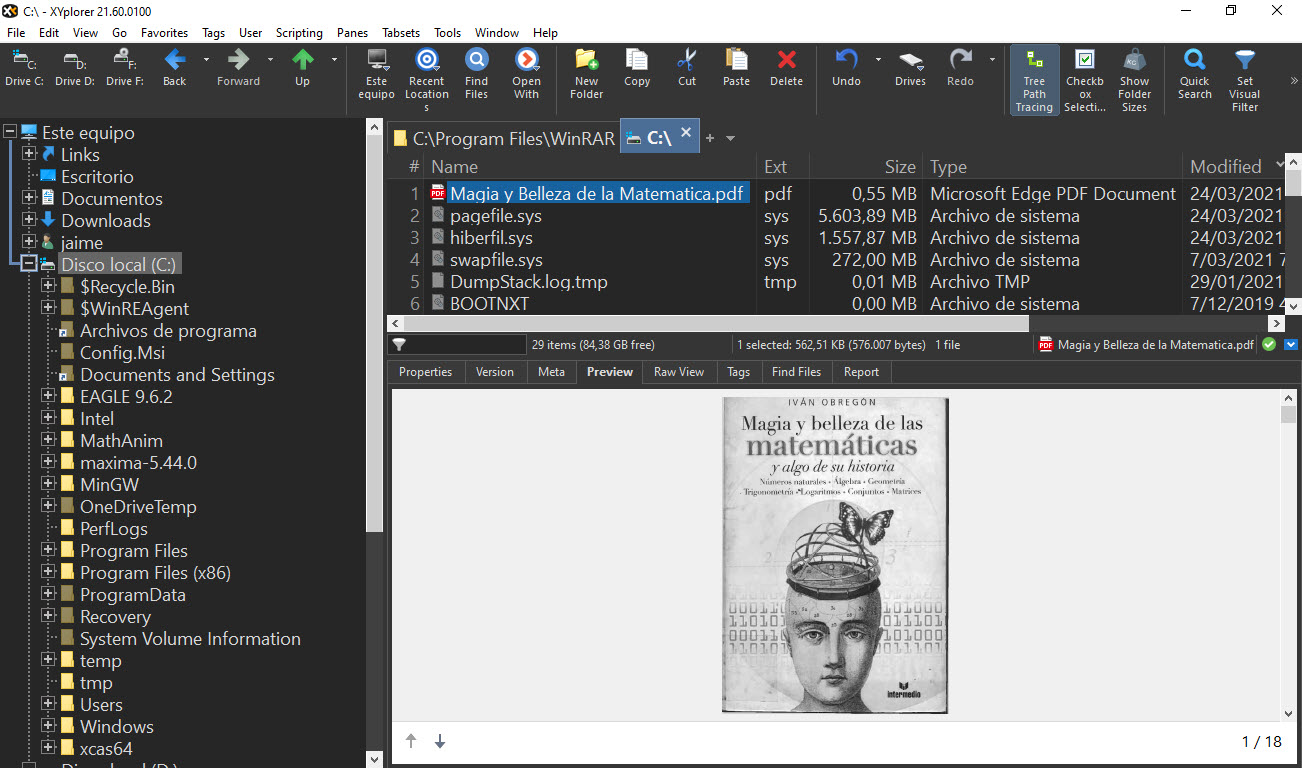
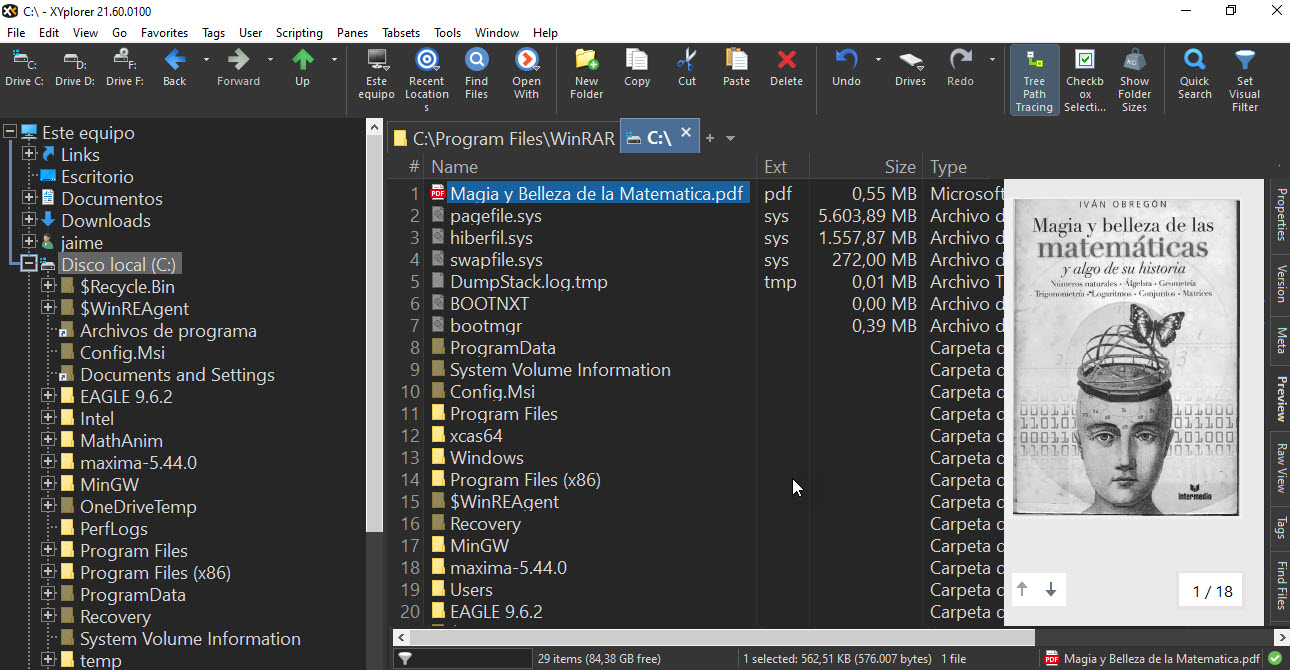
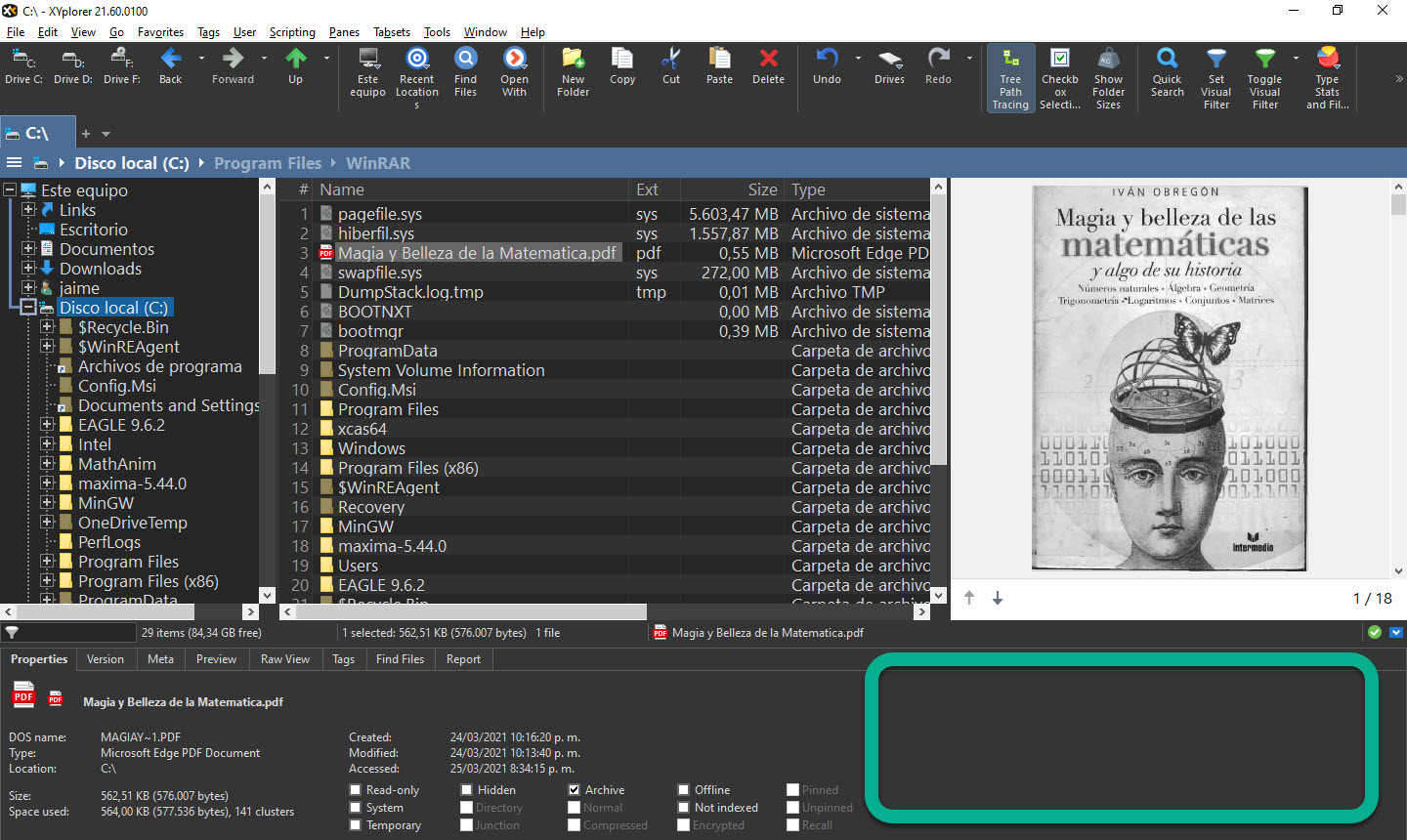
in general the screens are horizontal, for this reason it is a good idea to place the InfoPanel vertically, since the preview of documents is generally vertical, in this way the display space is better used.
Re: Vertical Info panel
Posted: 25 Mar 2021 08:57
by RalphM
Just use the Floating Preview instead of the Info Panel and you're all set.
Re: Vertical Info panel
Posted: 25 Mar 2021 09:12
by admin
Or the Preview Pane (Ctrl+F11).
Re: Vertical Info panel
Posted: 26 Mar 2021 02:40
by CompSystems
excellent,
ideal if it occupies all the vertical space (or by configuration) since there is always a lot of free space in the information panel, which can be used to have a better reading view. Also, when toogle infopanel the preview size is preserved.
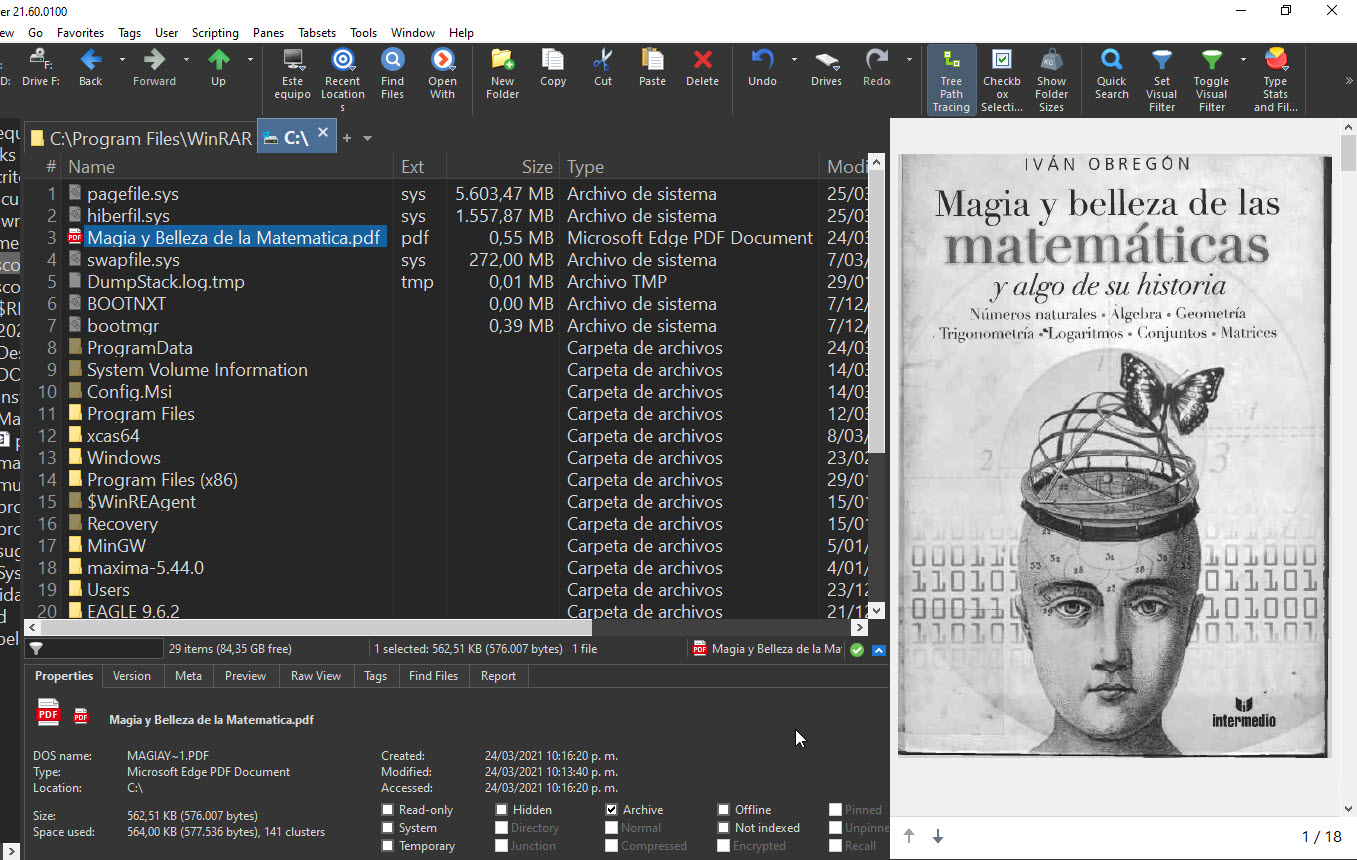
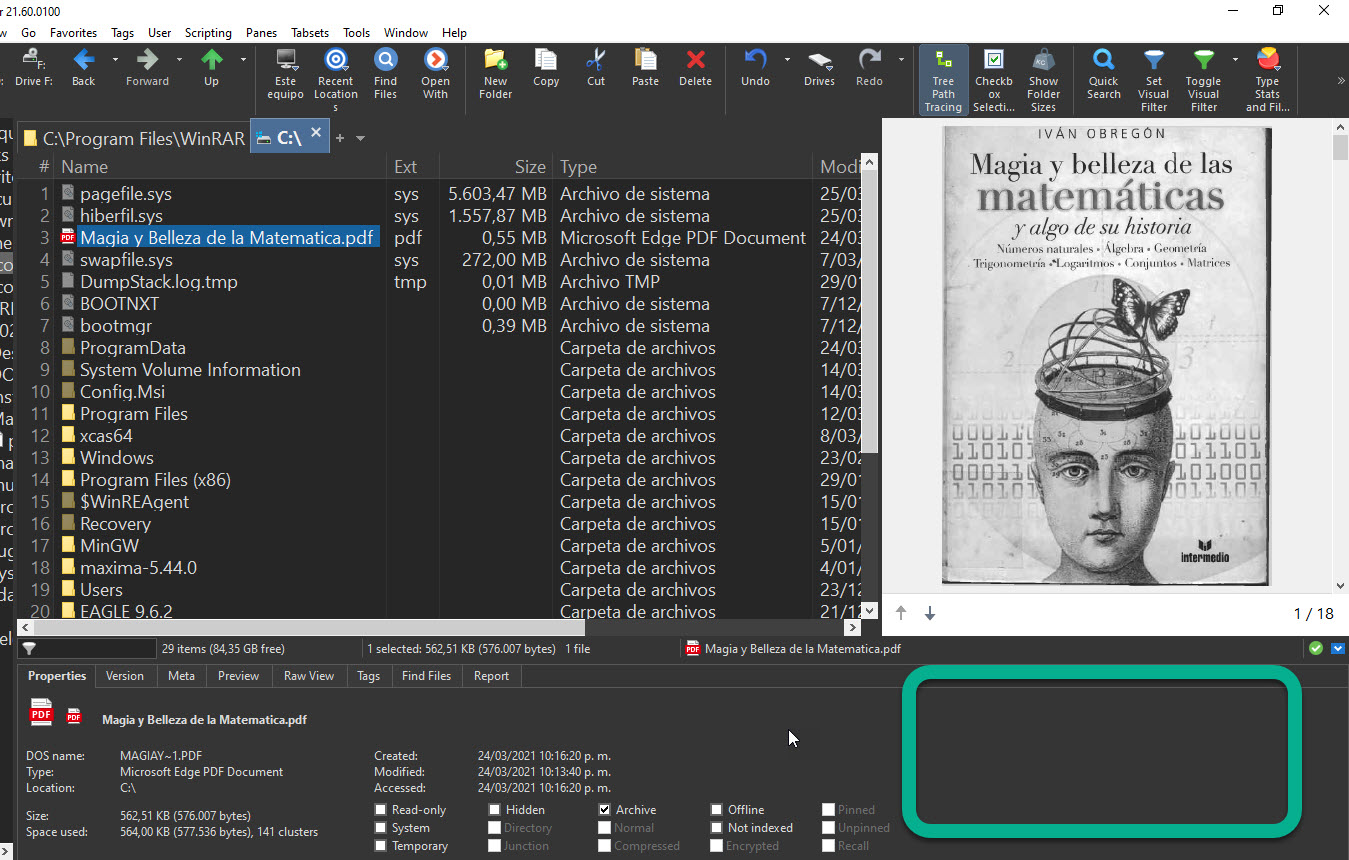
and there is much more space if the Info Panel is in (Wide Info panel)
Re: Vertical Info panel
Posted: 26 Mar 2021 08:01
by admin
Not possible, but F12 toggles the Info Panel quickly.
Re: Vertical Info panel
Posted: 27 Mar 2021 02:53
by CompSystems
ok Ans^(),
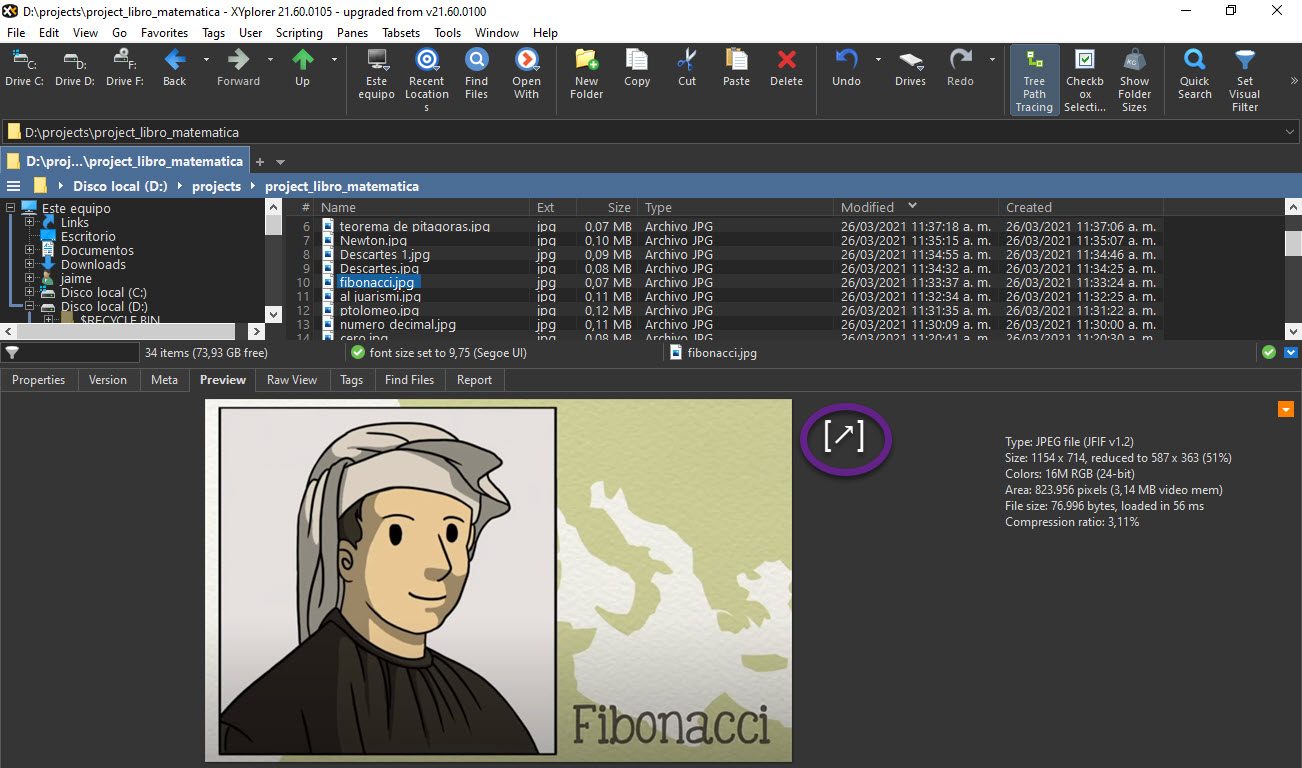
The blue toggle button [▲] [▼], performs [F12] function

includes another button for [Ctrl] + [F11] function on the Info panel or somewhere near
[↗] [↙] [⇱] [⇲]
When previewing an image file, you can make the mouse wheel go to the next or previous file.
Re: Vertical Info panel
Posted: 27 Mar 2021 09:03
by eil
@CompSystems just for information: Info Panel is just one of the ways to preview smt, and what you want is already easily achieved with Floating Preview(you can make it any size and it remembers position on screen)
Re: Vertical Info panel
Posted: 29 Mar 2021 01:09
by CompSystems
floating view works fine, but sometimes I just wish it was all one window.