Page 1 of 1
(Solved) Unlocking a locked BitLocker drive
Posted: 24 Sep 2015 22:53
by Shadow
I have a drive locked using BitLocker, and I get an error when I try to unlock it using the right-click context menu of XYPlorer.
The OS is Win10/64 and I started XYPlorer with Administrative Rights.
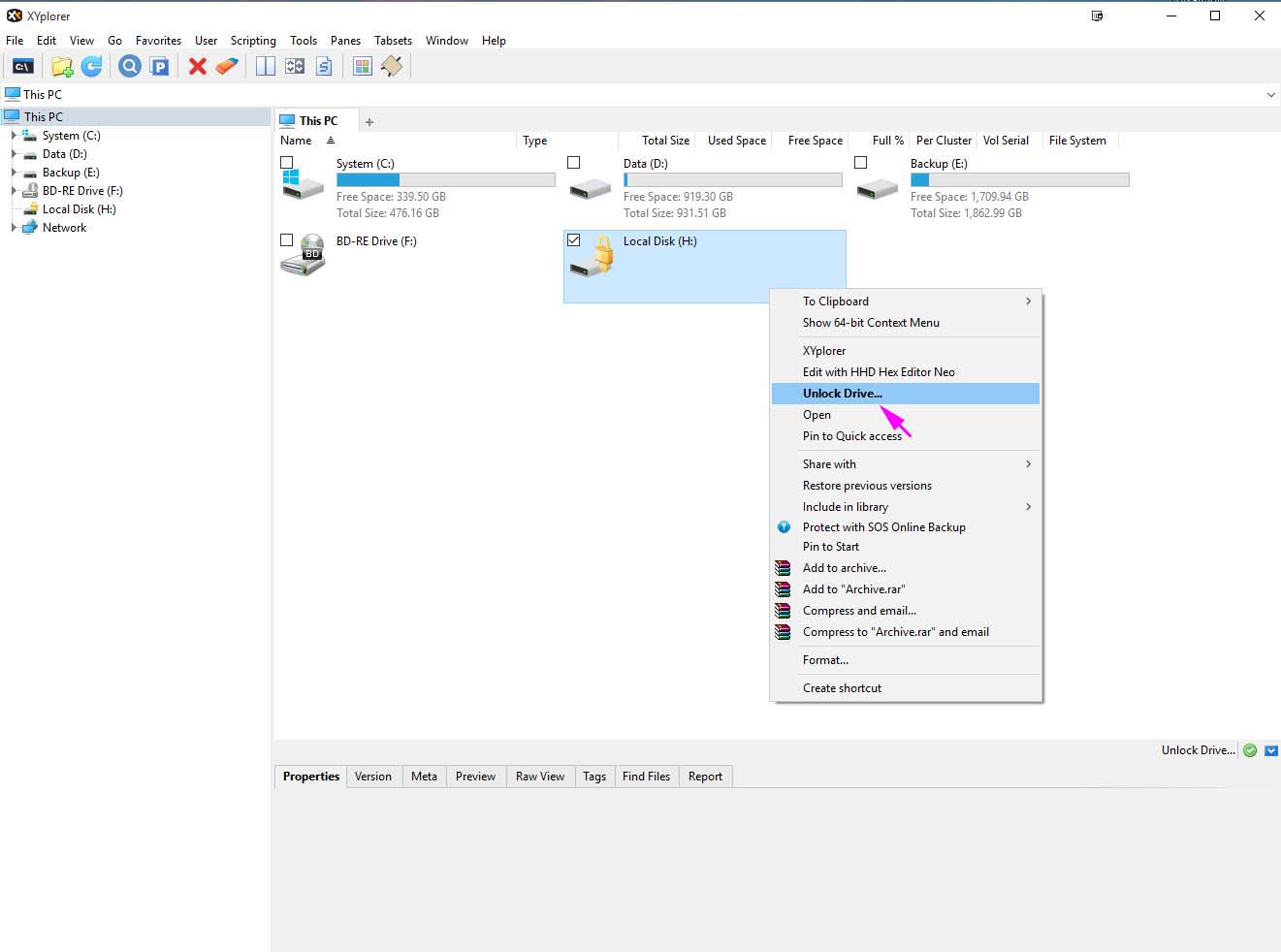
- XYPlorer1.jpg (92.65 KiB) Viewed 4251 times
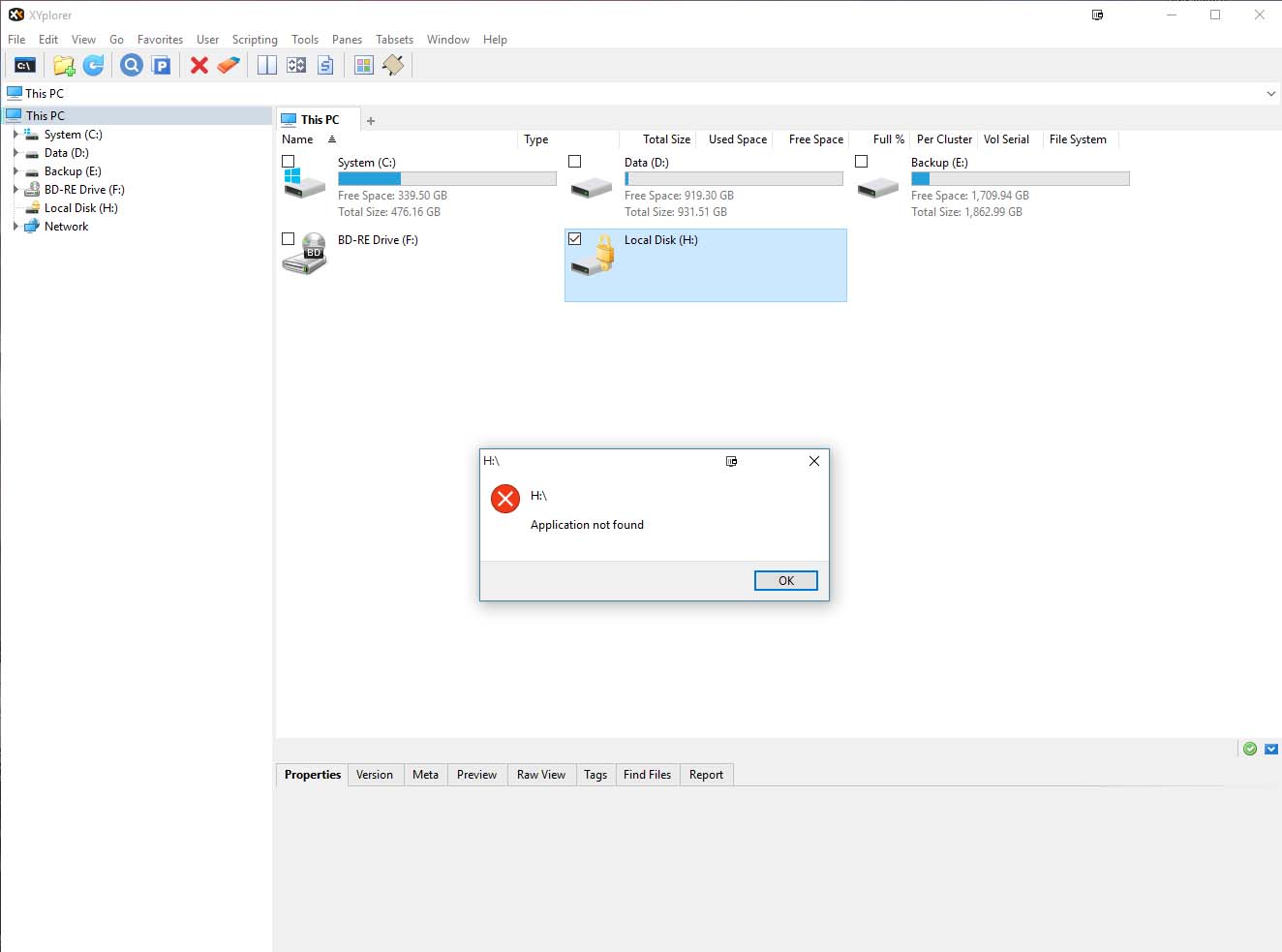
- XYPlorer2.jpg (80.38 KiB) Viewed 4251 times
File Explorer handles the operation sans issue.
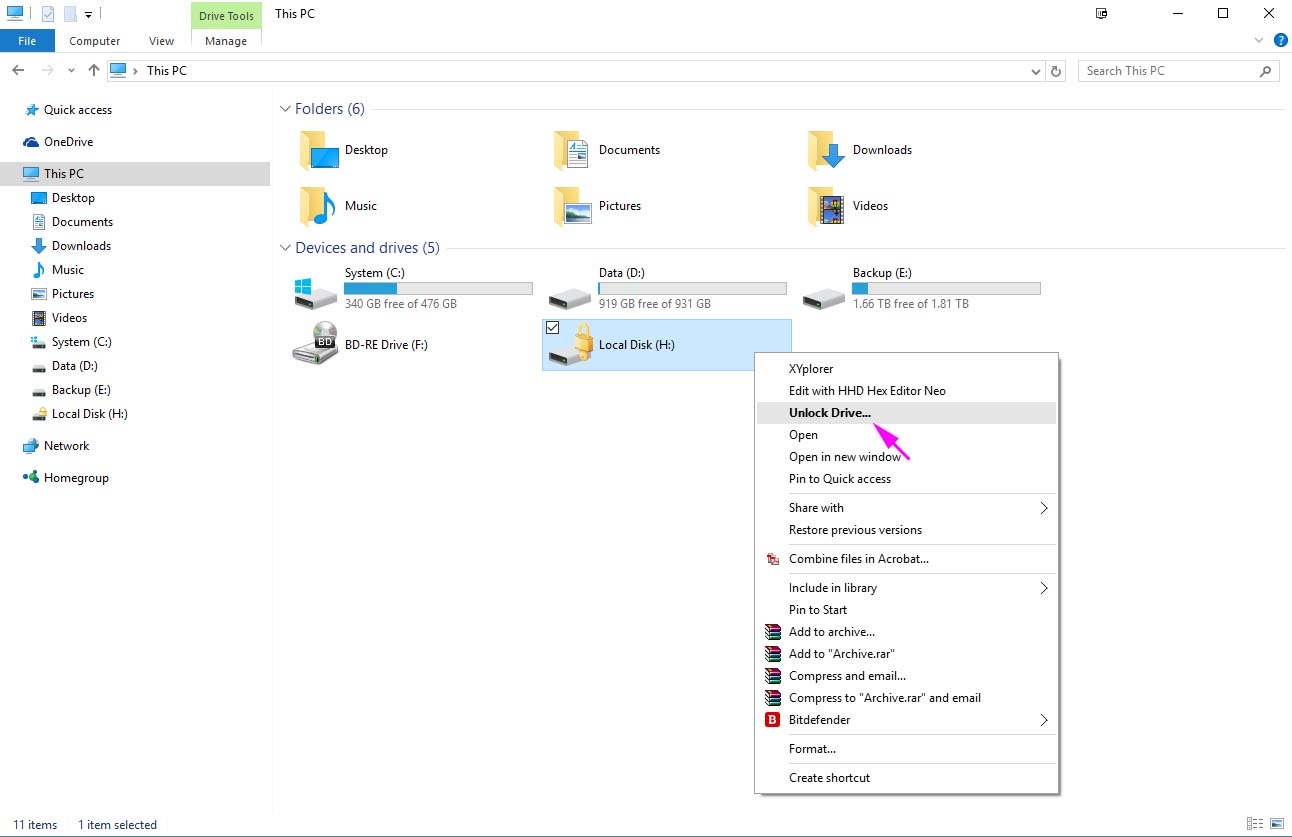
- FileExplorer1.jpg (101.5 KiB) Viewed 4251 times

- FileExplorer2.jpg (83.08 KiB) Viewed 4251 times
Re: Unlocking a locked BitLocker drive
Posted: 25 Sep 2015 12:59
by admin
Is BitLocker 64-bit?
Re: Unlocking a locked BitLocker drive
Posted: 25 Sep 2015 17:15
by Shadow
admin wrote:Is BitLocker 64-bit?
Looks like 64-bit on my system.
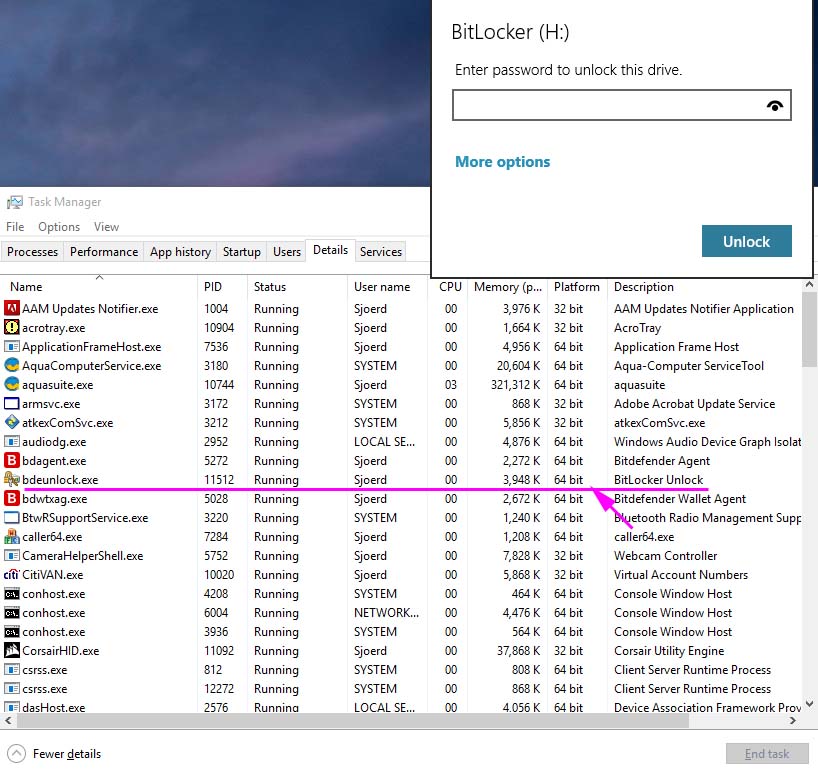
- 64bit.jpg (157.82 KiB) Viewed 4211 times
Re: Unlocking a locked BitLocker drive
Posted: 25 Sep 2015 17:30
by admin
Try the "Show 64-bit Context Menu" command in XY's context menu. "Unlock Drive..." should be there as well. Does it work better from there?
Re: Unlocking a locked BitLocker drive
Posted: 25 Sep 2015 22:56
by Shadow
The 'Show 64-bit Context menu' did the trick, thank you for your help

Re: (Solved) Unlocking a locked BitLocker drive
Posted: 26 Sep 2015 01:53
by yusef88
my system is win 8.1 32 bit and I can't unlock BitLocker drive in xyplorer
Re: (Solved) Unlocking a locked BitLocker drive
Posted: 26 Sep 2015 08:43
by admin
Looks like BitLocker didn't get its 32-bit installation right. This would explain both errors. It might be possible to fix this in the registry. Maybe you find something in the web...
Re: (Solved) Unlocking a locked BitLocker drive
Posted: 06 Dec 2016 01:04
by Zardoz2293
Regarding this concern, specifically, 64-bit versions of Windows OS and XY. What was the solution to resolve on 64-bit versions of OS? Thanks!
Re: (Solved) Unlocking a locked BitLocker drive
Posted: 06 Dec 2016 13:00
by RalphM
Scroll up a bit to see?!?
Re: (Solved) Unlocking a locked BitLocker drive
Posted: 06 Dec 2016 14:05
by Zardoz2293
RalphM wrote:Scroll up a bit to see?!?
Care to elaborate?
I hope you are not referencing "32-bit installation of BitLocker", surely not on Windows 10 64-bit.
Re: (Solved) Unlocking a locked BitLocker drive
Posted: 06 Dec 2016 14:28
by highend
Try the "Show 64-bit Context Menu" command in XY's context menu. "Unlock Drive..." should be there as well. Does it work better from there?
The 'Show 64-bit Context menu' did the trick, thank you for your help
Re: (Solved) Unlocking a locked BitLocker drive
Posted: 06 Dec 2016 17:37
by Zardoz2293
Oh, you mean leave the bug in calling BitLocker exist, rather than execute the 64-bit executable without generating the error from the 32-bit XY?